
Copy the Code Snippet
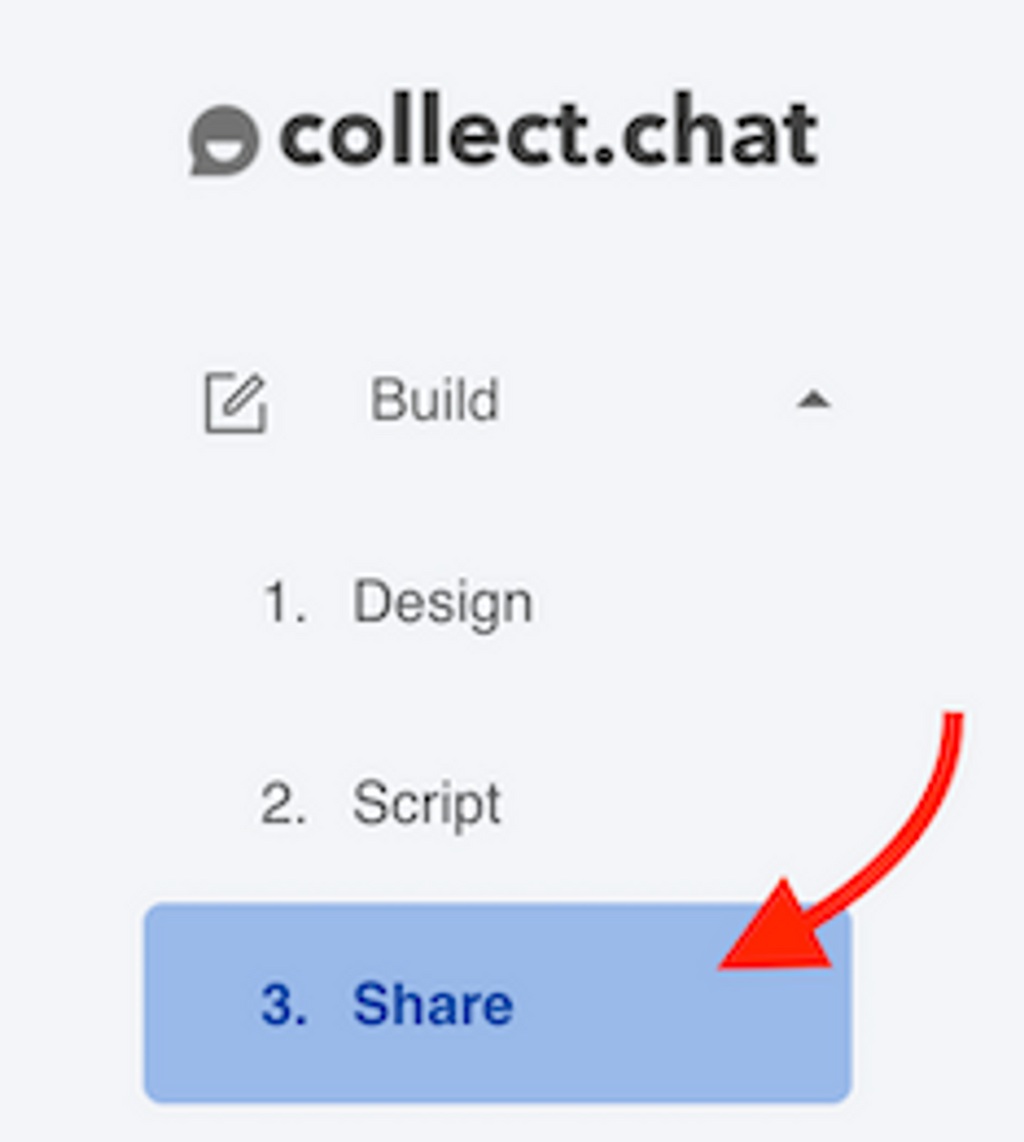
Go to Build. Click on Share.
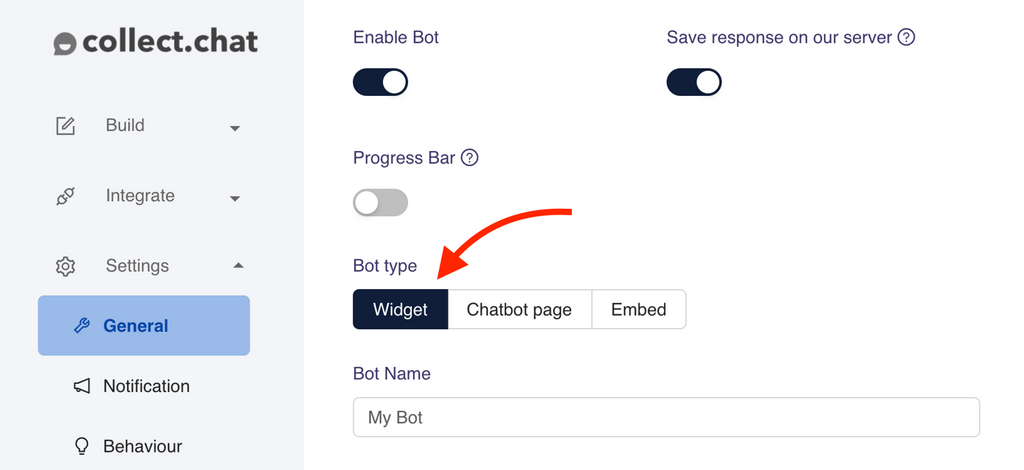
Please make sure you have selected Widget as your Bot type under Settings > General.
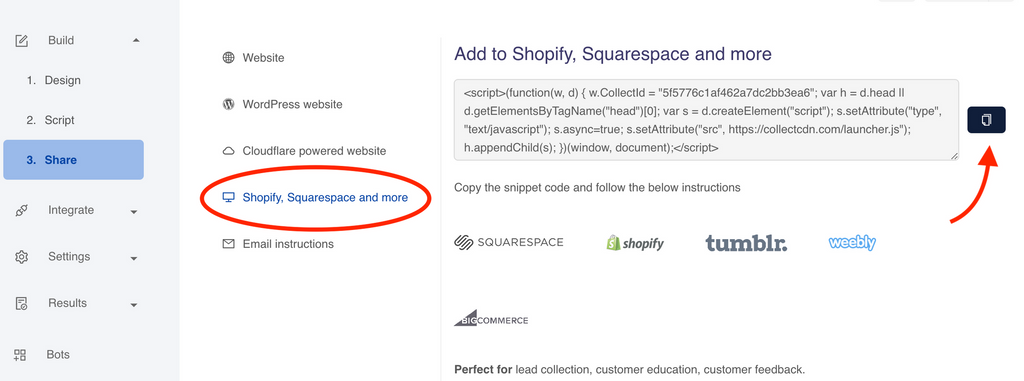
Select the type of your website. Copy the code snippet of your chatbot.
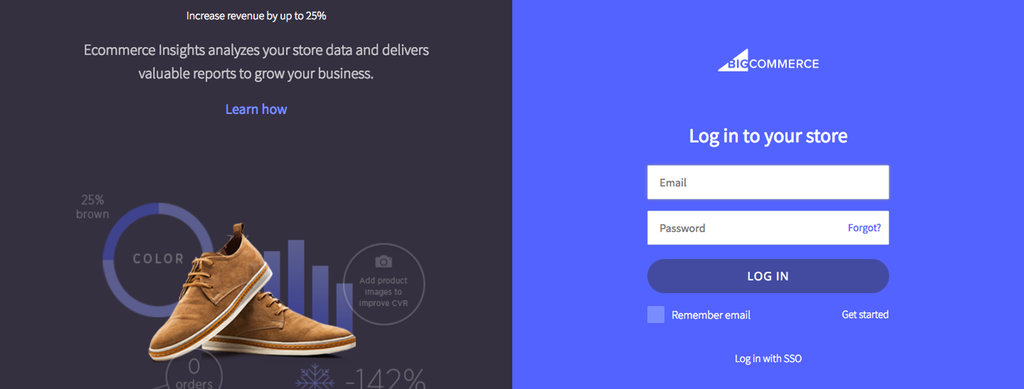
Login to BigCommerce
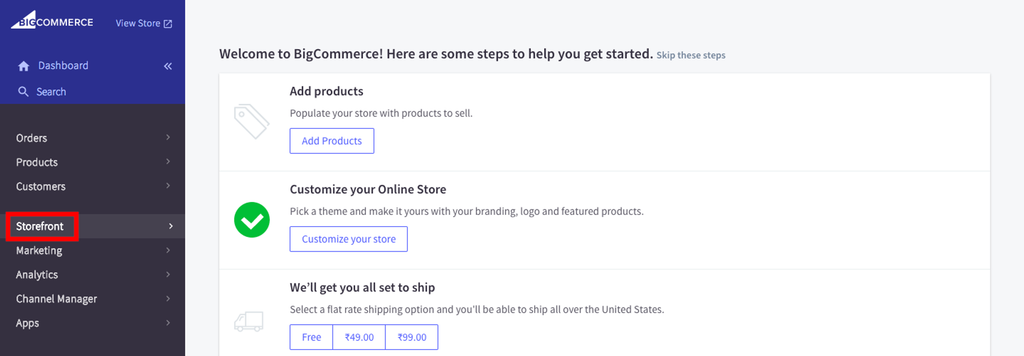
Select Storefront
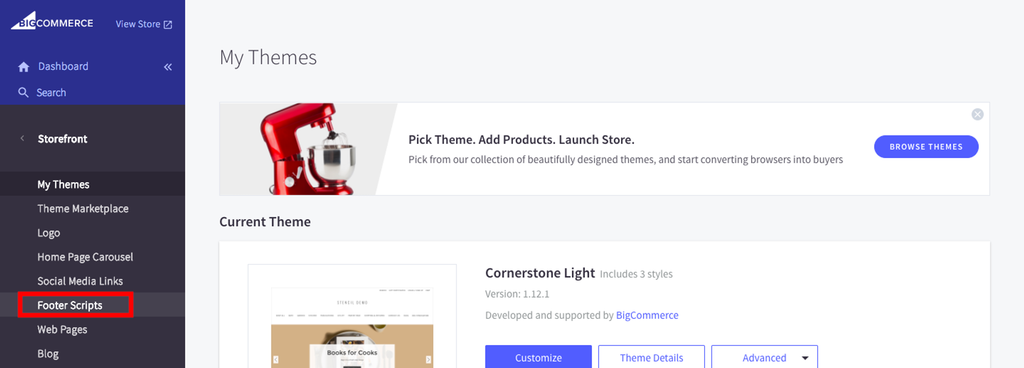
Go to Footer Scripts
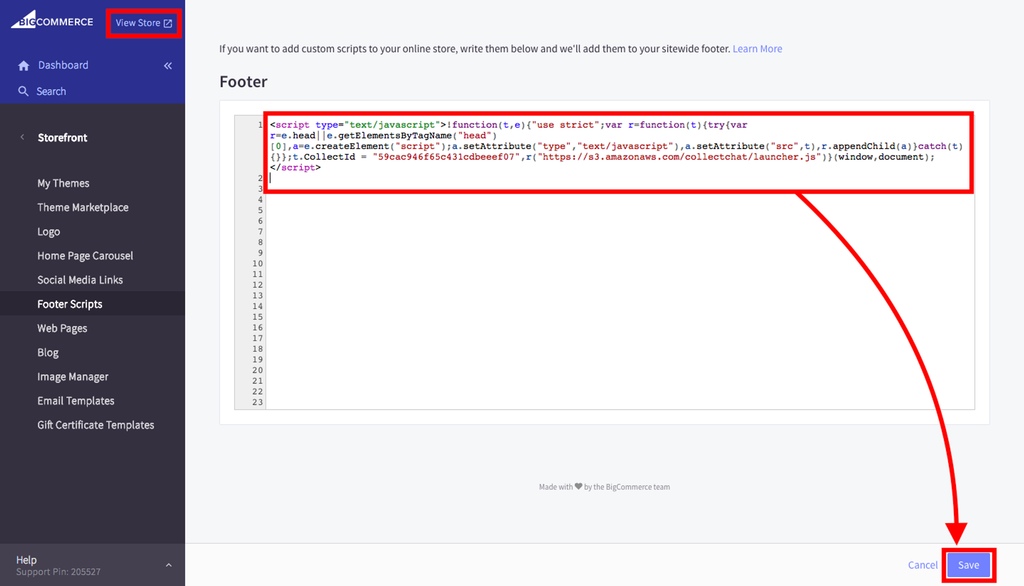
Paste the Code Snippet
Paste the code snippet of your chatbot and click on Save.
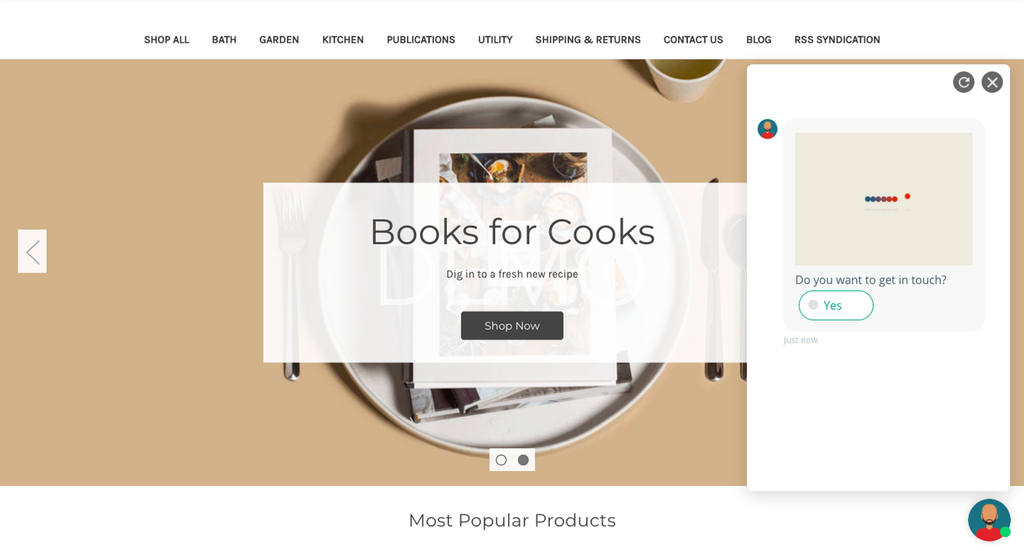
View the Store
Was this article helpful?
Still need help?
Contact us